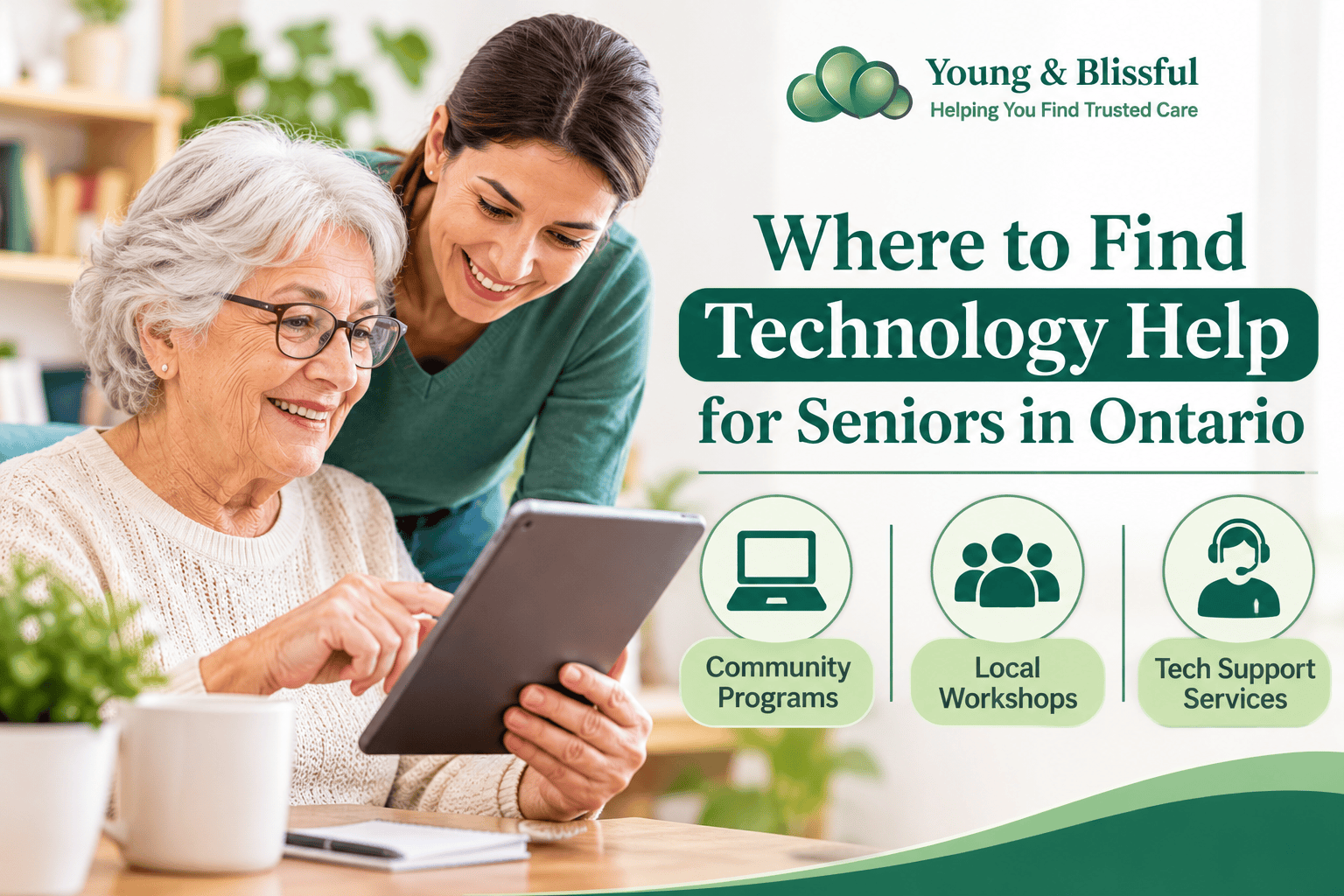
Sometimes the obstacle is not an unfamiliar app. It is the fear of pressing the wrong button and losing something important. An older adult may want to video-call a grandchild but feel nervous about installing software. Another may need help reading a pharmacy notification, avoiding scams or making text larger on a phone. Good technology support for seniors begins with what the person wants to do, not with the helper showing off everything the device can do. Across Ontario, libraries, community programs and private technology-support providers may offer practical assistance.
Quick answer: four places to look
- Public libraries: Many offer digital-skills classes, device assistance or appointments, subject to local programs.
- Seniors Active Living Centre programs: Some run technology lessons and community learning activities.
- Community organizations: 211 Ontario can help identify local programs and support in various languages.
- Private helpers: Useful for home visits, device setup or repeated one-to-one lessons, with fees and privacy safeguards to check.
Start with a goal, not a device
Ask what the person wants to do independently. Is it making a video call? Reading an email from a doctor? Identifying a suspicious message? Booking transportation? Checking a library schedule? One clear goal makes the lesson less overwhelming and gives the helper something concrete to measure.
For example, an older adult who wants to speak to family in Spanish may need a larger text setting, a reliable messaging app and two simple steps written on paper. They do not necessarily need a new tablet. Another person who keeps forgetting passwords may benefit from a safe password-management plan and training, but should not hand control of financial accounts to an unfamiliar helper.
Free or low-cost support: public libraries
Ontario’s seniors learning guidance identifies public libraries as places to look for computer training. Individual libraries vary widely. Some have drop-in sessions, others require a booking, and some teach specific topics such as email, smartphones or online safety. Call the nearest branch before travelling. Ask whether the lesson is one-on-one or in a group, whether the learner must bring their own device and whether accessibility or language support is available.
A library session can be a strong first option for someone exploring a topic without much urgency. It may be less suitable when a person needs a complex home printer installed or has an urgent connectivity issue. That is where a private provider or trusted technical support may be appropriate.
Seniors Active Living Centres and community programs
Ontario lists Seniors Active Living Centre programs across the province, including activities focused on learning and social connection. Not every centre offers technology classes, but many communities use these programs to help older adults practice digital skills in a familiar setting. Group learning can be valuable because participants discover they are not the only ones who find new interfaces confusing.
Look at the centre calendar rather than assuming services are available year-round. Ask about age eligibility, registration, fees, parking, transit and whether a caregiver can accompany the participant. A class that is accessible and welcoming can be more useful than an advanced online tutorial that is difficult to follow.
Official starting points: Ontario seniors employment and learning and Seniors Active Living Centre locator.
What can a private technology helper do?
A private tech-support provider may help with smartphone setup, screen-readability settings, email organization, video calls, Wi-Fi problems, digital forms and basic device training. Some offer in-home appointments, which can be important when the device works differently on the person’s home network. Others provide remote help, but that requires particular care with security and consent.
Ask whether the provider teaches the learner as they work, or simply takes the device and hands it back. A person who understands how to repeat a task gains more lasting value. Request an itemized fee, visit duration, any travel charge and a simple summary of what was changed. Ensure the senior can reverse changes or get help if something stops working afterwards.
Technology and personal safety: the non-negotiable rules
Technology support can involve private information: emails, photos, contacts, payment accounts and health portals. The helper should explain what they need access to, why, and when that access will end. A professional should not casually ask for banking passwords or one-time authentication codes, or move personal data to their own accounts.
The senior should remain in control of devices and accounts whenever possible. For password recovery, use official account processes. When someone receives a message demanding urgent payment or threatening account closure, pause and contact the organization using a known official number, not the number in the message. For complex scams or financial concerns, seek guidance from appropriate consumer protection resources or a financial institution.
Useful first lessons for older adults
The best starting curriculum often includes a small number of tasks: enlarging text, adjusting sound and captions, making a video call, saving a trusted contact, recognizing suspicious links and finding a reliable website. Each lesson should include practice while the helper watches. A simple printed instruction card can make the next attempt easier.
Use plain language. “Tap the blue camera icon” is more useful than “launch the videoconferencing client.” Avoid grabbing the phone away when someone is slow. Repeat the exact process twice and let the learner do the second attempt. That is a far better test of success than whether the helper completed the setup quickly.
When accessibility needs change the plan
Hearing loss, vision changes, arthritis, tremor and fatigue can affect device use. A helpful provider can discuss larger controls, voice features, captions, styluses, alternative keyboards and ergonomic arrangements. Not every solution is built into every device. If a person has significant vision, hearing or motor concerns, an appropriate healthcare or accessibility professional may be able to help identify a suitable approach.
For older adults with cognitive or memory difficulties, shorter lessons and predictable routines may help. If the goal is to protect autonomy, support should be designed around what the person can do, not around assumptions about age. The person may need less information at one sitting, not less respect.
Compare technology-help providers before booking
| Question | Why it matters |
| Can you help with this specific device and task? | General computer expertise may not fit the problem. |
| Is the session at home, online or in a group? | Comfort and practicality vary. |
| Will you teach the senior to repeat the task? | Learning, not just repair, may be the main goal. |
| What credentials, references or experience do you have? | Builds confidence in handling devices and private information. |
| What is the full charge and follow-up policy? | Prevents surprise fees. |
| What information or account access will you need? | Privacy and security must be clear. |
Common mistakes
Buying a new device before trying simple accessibility settings can waste money. Trying to learn six apps in one afternoon can discourage someone who only wanted a family video call. Letting a helper store passwords on their personal phone creates a security risk. Families can also unintentionally undermine confidence by doing every task for the senior. A good support plan is paced, specific and respectful.
Frequently asked questions
Where can seniors get free computer help in Ontario?
Public libraries, community learning groups and some seniors centres offer free or low-cost programs. Availability differs by location; contact the organization or 211 Ontario.
Can someone come to a senior’s home to set up a smartphone?
Some private technology-support providers offer home visits. Ask about service area, fees, device experience and privacy practices.
Are public libraries able to help with banking apps?
Library staff may teach general digital skills, but their policies on private financial accounts vary. For sensitive account issues, use official bank support and avoid sharing passwords.
What should I do if a senior receives a suspicious text message?
Avoid clicking links or providing information. Verify the message independently through the organization’s official website or known phone number.
Is technology help only for beginners?
No. Some people are comfortable with video calls but need help with accessibility features, online forms or scam prevention.
How can a caregiver help without taking control?
Let the senior choose a goal, complete the steps themselves and keep a simple printed guide. Offer help with practice instead of permanently operating the account for them.
Can technology support help someone with hearing or vision difficulties?
Device accessibility features may help, but suitability varies. Ask a qualified professional when health or disability needs require assessment.
Key takeaways
Technology help should build independence, not replace it. Begin with one meaningful task; explore libraries and local community programs; consider private help for home-specific needs; and protect personal accounts throughout. Short, patient, practical lessons are often more useful than a complicated device upgrade.
Explore options: Search Young & Blissful for Technology Help for Seniors. Compare local providers and confirm training style, fees, privacy safeguards and availability directly.
References
- Government of Ontario, Seniors: employment and learning.
- Government of Ontario, Seniors Active Living Centre programs.
- 211 Ontario.